
Manga Translation Tools for Different Reading Workflows
Compare browser-based chapter translation, offline OCR, language study tools, and phone lookups.

This guide compares workflows for reading manga in another language. Choose based on what you already have, such as a PDF volume, a set of images, or a single panel on your phone.
| Workflow | Tool to consider | Check before choosing |
|---|---|---|
| Translate a PDF, ZIP, or CBZ chapter online | AI Manga Translator | Requires a network connection and an account. The site sends page images to a translation provider. |
| Keep a workflow on your computer | Sugoi Manga Translator | Check the project documentation for hardware requirements and supported languages. |
| Study Japanese text alongside the source | Mokuro and Manga-OCR | Mokuro presents the source with selectable text. A dictionary or translation tool is a separate step. |
| Look up a single panel with a phone | Google Lens | The camera workflow is useful for a quick lookup. Compare the detected text with the original when lettering is stylized. |
| Translate text already copied from a panel | DeepL | Bring your own OCR result and keep track of which speech bubble each line came from. |
Translating a chapter on the web
In AI Manga Translator, choose a PDF, ZIP, or CBZ after signing in. Confirm the page count and one-credit-per-page cost, then keep the page open until the chapter is queued. Return to the result from Translation history and download completed pages as ZIP or CBZ. Review visually complex pages in the result view before exporting.
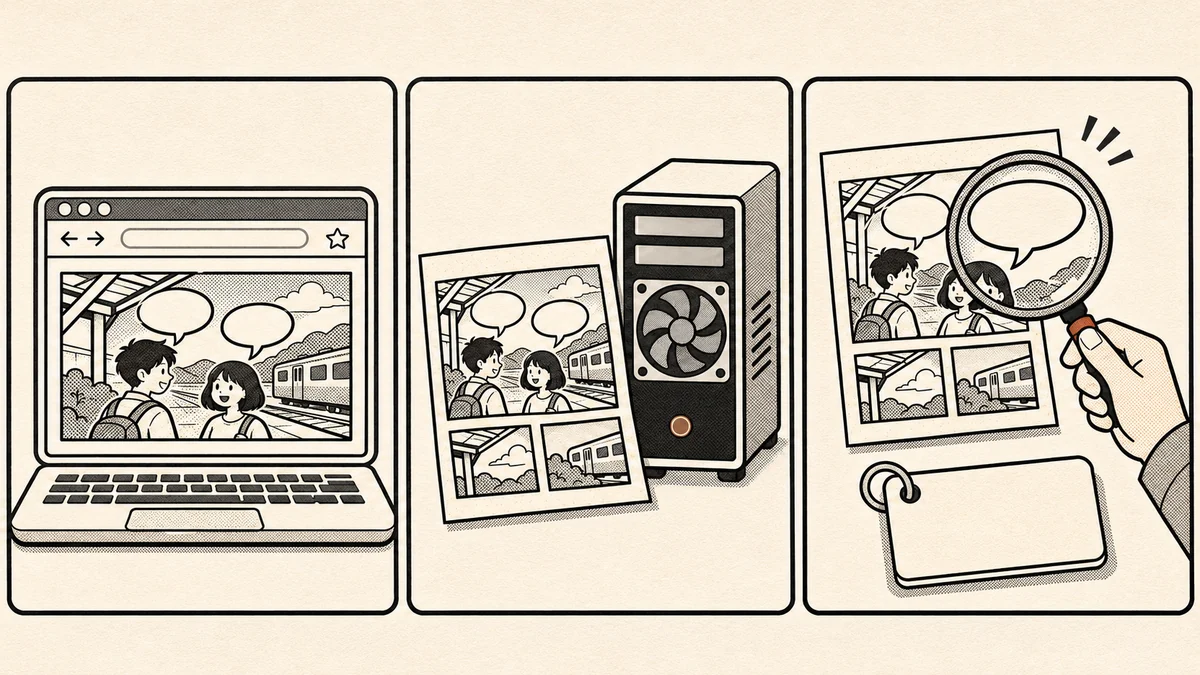
How to compare tools on your own pages
Try one page with vertical writing and one with busy or low-contrast backgrounds. Compare text recognition, reading order, and how the translation fits the original panel. Check whether you can find an incomplete page and recover it without restarting the entire chapter.
Project documentation for Mokuro and Manga-OCR describes the local reading and recognition workflows.