
The Best Manga Translator Apps for iOS, Android & Tablets
Find the top manga translator apps for mobile devices. Read raw Japanese and Korean manga on your iPhone, iPad, Android phone, or Samsung tablet.

Over 70% of digital comics, Korean webtoons, and graphic novels are consumed on mobile devices. Curling up in bed with an iPad or reading the latest raw manhwa episode on a train via your Android phone is the quintessential modern reading experience.
However, translating untranslated raw manga on mobile screens introduces serious technical constraints: limited mobile RAM, battery drain from heavy local OCR, and cramped mobile screen real estate.
In this guide, we evaluate the best manga translator solutions for iOS, Android, and tablets in 2026.
The 3 Ways to Translate Manga on Mobile
Before looking at specific apps, mobile readers generally choose between three workflows:
- On-Screen Floating Translators. OCRs the screen area live. Convenient, but creates ugly white boxes.
- Cloud PWA / Mobile Web. Upload chapters to a cloud GPU for high-resolution translation, clean inpainting, and a touch reader.
- Offline CBZ Reader Pipeline. Batch translate on a PC or in the cloud, then read in Mihon or Panels on a tablet.
1. AI Manga Translator Mobile PWA — Best All-in-One Cloud Experience
Platforms: iOS (Safari / Add to Home Screen), Android (Chrome / PWA), iPadOS
Rather than bogging down your smartphone battery running intensive local neural networks, AI Manga Translator offloads heavy computer vision and diffusion inpainting tasks to dedicated cloud GPU clusters.
Mobile Highlights:
- Touch-Optimized Reader: Swipe naturally between pages or scroll vertically down continuous webtoon strips.
- Interactive Split-Screen Lens: Drag an on-screen slider with your thumb to seamlessly compare original Japanese/Korean art against the translated page.
- Save to Homescreen: Installs as a lightweight, fullscreen Progressive Web App (PWA) with zero App Store download overhead.
- Direct Cloud Export: Translate on your phone, then export as a standardized
.cbzpackage ready for your tablet library.
2. Tachiyomi / Mihon with Translation Forks — Best for Android Power Users
Platform: Android only
For Android manga purists, Mihon (the modern community successor to Tachiyomi) is the king of comic readers. Several community forks and third-party extensions integrate live translation APIs.
Mobile Highlights:
- Deep integration with hundreds of online manga catalogs.
- Can trigger translation on a page-by-page basis.
Limitations:
- Setting up API keys and configuring OCR extensions requires technical patience.
- Slower per-page latency on mobile data connections compared to pre-processed cloud chapters.
3. Screen Translator / Ever Translator — Best for Instant Android Floating OCR
Platform: Android
Apps like Screen Translator utilize Android's accessibility service to overlay a floating bubble button over any app on your screen (including official apps like Shonen Jump+ or Piccoma).
Mobile Highlights:
- Works over DRM-protected native apps where image downloading is blocked.
- Instant single-touch translation of the active screen.
Limitations:
- Leaves harsh solid colored rectangular text boxes over the panel.
- Does not reconstruct halftones or screentones.
- Requires battery-draining screen capture permissions.
4. Panels & Chunky (iPadOS) paired with Translated CBZ — The Ultimate Tablet Experience
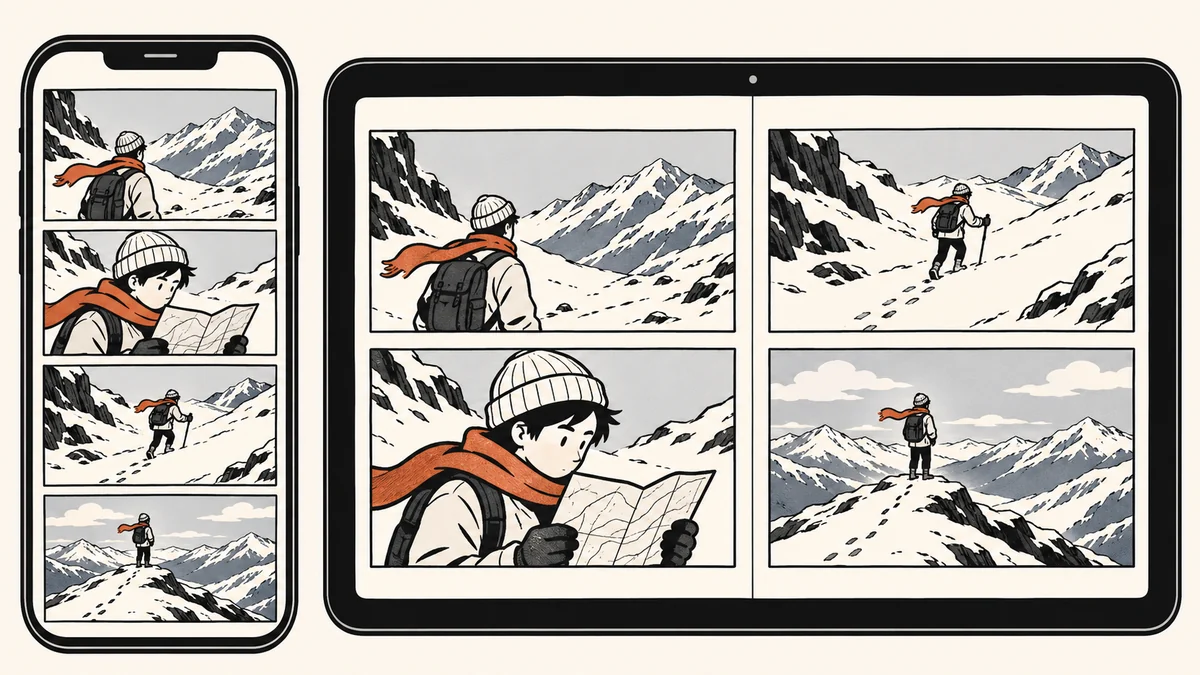
Platform: iPadOS / iOS
If you own an iPad Mini, iPad Air, or iPad Pro, reading localized comics in dedicated e-readers like Panels or Chunky provides unmatched visual fidelity.
Recommended Tablet Workflow:
- Upload your raw manga volume or CBZ archive to AI Manga Translator.
- Confirm the page count and credits, then keep the upload page open until the chapter joins the queue.
- Download the translated
.cbzarchive via AirDrop or iCloud Drive directly onto your iPad. - Open in Panels or Chunky for true 120Hz ProMotion page-turning bliss.
Final Recommendation: Which Mobile Solution is Best?
- For instant on-the-go reading in any mobile browser: Use the AI Manga Translator PWA.
- For DRM-restricted publisher apps on Android: Use an on-screen floating OCR tool.
- For reading complete volumes on your iPad or Galaxy Tab: Batch process to CBZ and enjoy the crispest reading experience in Panels or Mihon.
References & Authoritative Sources
- IEEE Pervasive Computing Society — Deep Learning Inference on Mobile Devices and Edge Accelerators
- Apple Developer Documentation — Core ML and Neural Engine Performance Guidelines for High-Resolution Media
- ComicBookInfo / ComicRack Schema Standard — Digital Comic Archive Best Practices on Tablet Displays