
How AI Manga Translator Processes a Page
See how page images are uploaded, translated, and lettered, and why some text appears outside the artwork.
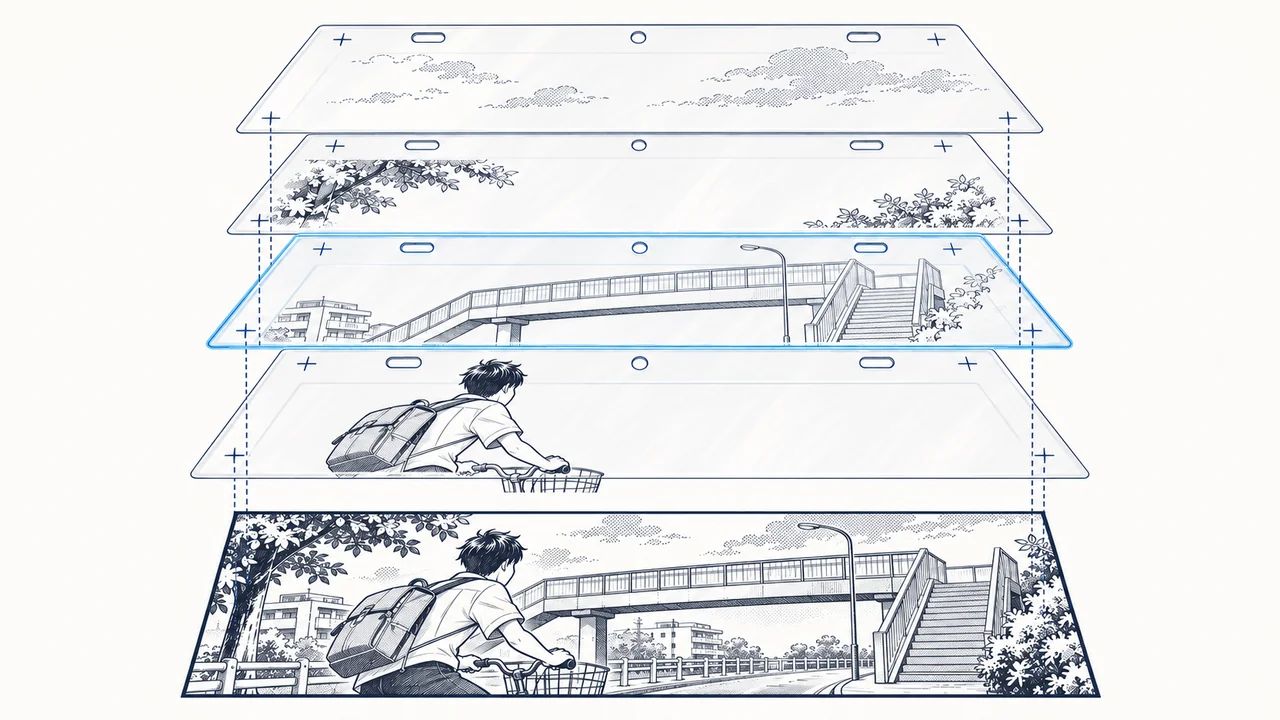
A manga translation has two separate results to check. First, the tool needs to read and translate the words. Then it needs enough room and a suitable background to put the translation back into the drawing.
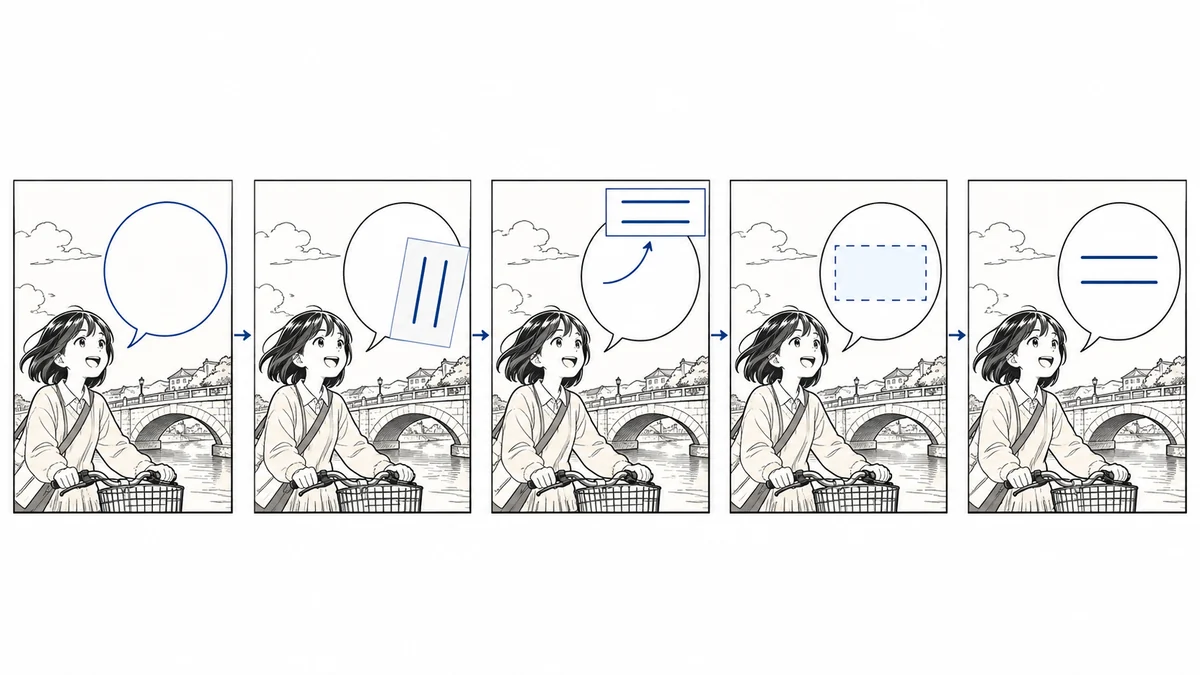
From upload to translated text
For PDF, ZIP, or CBZ, the browser prepares page images before it uploads them. A chapter moves to the background queue after its upload finishes. The translation provider receives page images and returns the source text, translated text, and the locations it found. Japanese vertical writing, small furigana, and lettering over artwork are worth checking against the original, especially if the reading order looks odd.
How lettering appears on the page
The result view uses the detected text regions to draw translated dialogue over the source image where the lettering fits. Some backgrounds are too detailed, and some regions overlap. In those cases, the result view keeps the translation available separately. This is why a page may contain translated text even when its original sound effects remain visible.
Check the result
Open the result from Translation history and compare it with the source. Check the page count and any untranslated or separately displayed text in a chapter before exporting the completed pages. For more detail on the layout problem, read how manga lettering works.